


How to Download E Aadhaar Without OTP — Simple Guide
- Updated On:28 May 2026
 Views
Views- 1 min read
https://www.shriramlife.com/blog/advice/how-to-download-e-aadhaar-without-otp


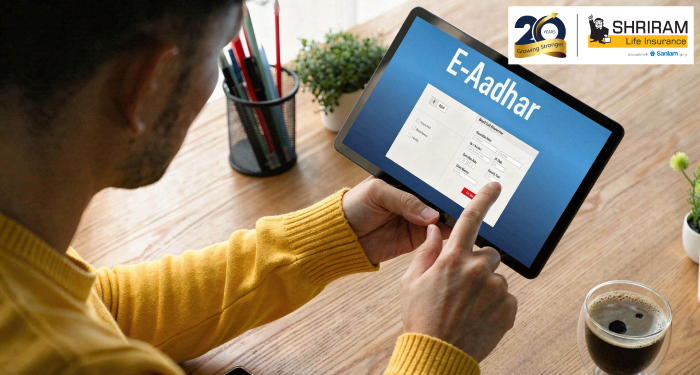
So here’s the thing. If you want to know how to download e Aadhaar without OTP, there is no direct online download from UIDAI without mobile OTP. But don’t worry. You still have some easy ways to get your Aadhaar print.
Quick Methods You Can Try
Pick one based on your situation:
- Visit Aadhaar Seva Kendra (ASK): Give biometrics → get print
- Post Office Aadhaar Update Center: Aadhaar letter printed on the spot
- Bank Aadhaar Center: Many banks offer Aadhaar print service
- Request Reprint Online → OTP to address? No. Delivered by post
- Update your mobile number first → then download normally
These are the safest options approved by UIDAI.
Real Example
Here’s an example:
Ravi lost his phone last week. He needed Aadhaar for a job. He visited the nearest post office Aadhaar center and verified his fingerprint. In 5 minutes, he got a fresh Aadhaar print for ₹30. Fast and easy.
Why does UIDAI require OTP?
Simple: For your security. Aadhaar has sensitive info, so UIDAI only allows download once identity is verified.
Quick Tip
Always update your mobile number if you change SIM. It saves these last-minute headaches.
FAQs
No, biometrics or OTP is required for online download.
No, biometrics or OTP makes sure only you can access it.
Usually ₹30 at authorized centers.
Plans worth exploring
 Shriram Life Flexi-Shield Plan
Comprehensive Protection

Shriram Life Flexi-Shield Plan  Shriram Life Sunishchit Laabh
Secure your family's future
Shriram Life Sunishchit Laabh  Shriram Life Wealth Pro Plan
Strong Returns, Steady Protection
Shriram Life Wealth Pro Plan

Why Shriram Life
Experience
Lives covered
Claims Settled (FY 2025-26)
Explore more topics
Trending searches
Find the right plan for you
OTP Verification
Please Enter OTP that has been sent to your registered
Mobile Number +91




Get a call Back to Plan Your Life Insurance
OTP Verification
Please Enter OTP that has been sent to your registered
Mobile Number +91

We’ve Got Your Details
You’re one step closer to securing a guaranteed income. Our team will contact you soon.


