


How to Check Aadhaar is Linked with PAN
- Updated On:02 Mar 2026
 Views
Views- 1 min read
https://www.shriramlife.com/blog/advice/how-to-check-aadhaar-linked-with-pan


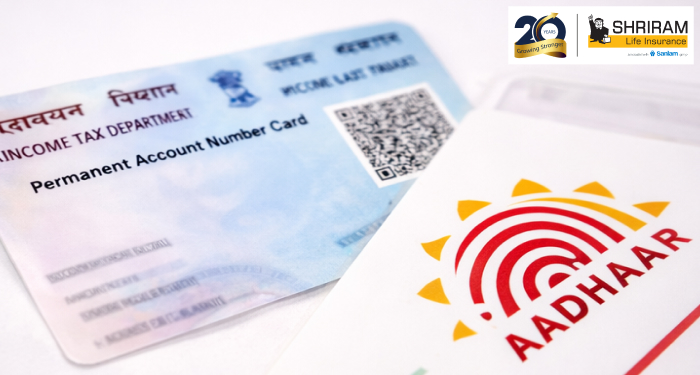
Checking whether your Aadhaar is linked with PAN is easy and fast—benefit: avoid your PAN becoming inactive.
Quick Steps to Check
Here’s a quick tip list:
- Go to the official e‑Filing portal and click “Link Aadhaar Status”.
- Enter your 12‑digit Aadhaar number and 10‑digit PAN number.
- Click “View Link Aadhaar Status”.
- You’ll see one of the messages:
- “Your PAN is already linked to given Aadhaar.” → Good to go.
- “PAN not linked with Aadhaar. Please click on ‘Link Aadhaar’.” → Need to link.
- “Your Aadhaar‑PAN linking request is sent to UIDAI for validation.” → Wait a few days.
- “Your PAN is already linked to given Aadhaar.” → Good to go.
Example Screen Message
Here’s an example: you punch in your details and you see: “Your PAN is already linked to given Aadhaar” in green. That means you’re done. If it says “Link Aadhaar” in red, you’ll need to complete the linking.
Why This Matters
If your PAN isn’t linked by the deadline you might not be able to file tax or use it for important money matters. Quick fix now saves trouble later.
What If It’s Not Linked?
Go back to the “Link Aadhaar” section, enter details, validate via OTP, and submit. Make sure your name and date of birth match on both documents—mismatch causes failure.
FAQ
Usually instantly. If request is just submitted, it may show “pending” and you check again in 1‑2 days.
Yes. SMS: UIDPAN 123456789012 ABCDE1234F to 567678 or 56161. You’ll get result via text.
You’ll need to update the record on Aadhaar or PAN before linking.
Plans worth exploring
 Shriram Life Flexi-Shield Plan
Comprehensive Protection

Shriram Life Flexi-Shield Plan  Shriram Life Sunishchit Laabh
Secure your family's future
Shriram Life Sunishchit Laabh  Shriram Life Wealth Pro Plan
Strong Returns, Steady Protection
Shriram Life Wealth Pro Plan

Why Shriram Life
Experience
Lives covered
Claims Settled (FY 2025-26)
Explore more topics
Trending searches
Find the right plan for you
OTP Verification
Please Enter OTP that has been sent to your registered
Mobile Number +91





Get a call Back to Plan Your Life Insurance
OTP Verification
Please Enter OTP that has been sent to your registered
Mobile Number +91

We’ve Got Your Details
You’re one step closer to securing a guaranteed income. Our team will contact you soon.


