


What is URN In Aadhaar
- Updated On:02 Mar 2026
 Views
Views- 1 min read
https://www.shriramlife.com/blog/advice/what-is-urn-in-aadhaar


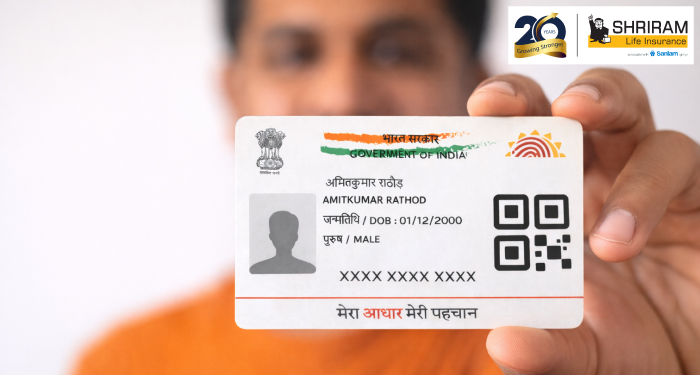
URN stands for Update Request Number. It’s a unique 14-digit code you get when you request any change in your Aadhaar details — like address, name or phone number. Once you get that number, you can track the update’s status online or offline.
Here’s an example
Suppose Rahul changes his address in Aadhaar. He submits the request online and receives URN: “0344/00225/02334”. Now he goes to the portal, enters his Aadhaar number + URN, clicks “Get Status”, and sees “Under Process”. A few days later it shows “Successful”. That URN helped him check progress without repeatedly visiting the centre.
What to do after you get URN:
- Keep the URN safe — note it down or screenshot the acknowledgement.
- Every 2-3 days check status via the portal or at a centre.
- If status shows Rejected, check the rejection reason and submit a fresh update.
- Once status shows Successful, you can download e-Aadhaar or note the update is complete.
- Don’t reuse the same URN for another update — each request gets a new URN.
How to check URN status
You can check online: Visit the official update-status page of UIDAI, enter your Aadhaar number + URN + captcha, click submit. Offline: Visit an Aadhaar enrolment centre with your acknowledgement slip and URN, or call the helpline.
FAQ
No — each update request (even if you change multiple details) gets a separate URN.
You may lose tracking ability online. Visit a centre or call the helpline to ask what you can do.
It remains valid until the update request is processed or rejected. After that it stops being useful for new requests.
Plans worth exploring
 Shriram Life Flexi-Shield Plan
Comprehensive Protection

Shriram Life Flexi-Shield Plan  Shriram Life Sunishchit Laabh
Secure your family's future
Shriram Life Sunishchit Laabh  Shriram Life Wealth Pro Plan
Strong Returns, Steady Protection
Shriram Life Wealth Pro Plan

Why Shriram Life
Experience
Lives covered
Claims Settled (FY 2025-26)
Explore more topics
Trending searches
Find the right plan for you
OTP Verification
Please Enter OTP that has been sent to your registered
Mobile Number +91





Get a call Back to Plan Your Life Insurance
OTP Verification
Please Enter OTP that has been sent to your registered
Mobile Number +91

We’ve Got Your Details
You’re one step closer to securing a guaranteed income. Our team will contact you soon.


